AZTCOFW / TECHNICAL GUIDE
Install the OpenVPN Client Export Package
Go to System > Packages, Available Packages tab.
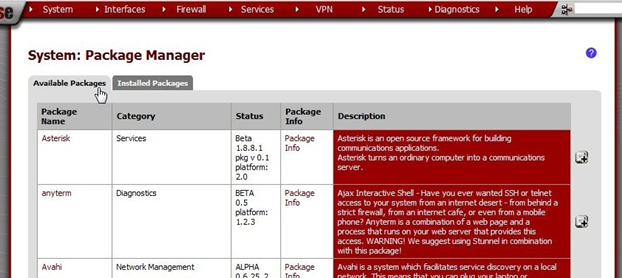
Scroll down to OpenVPN Client Export Package and click [Image unavailable in the source] on the right.

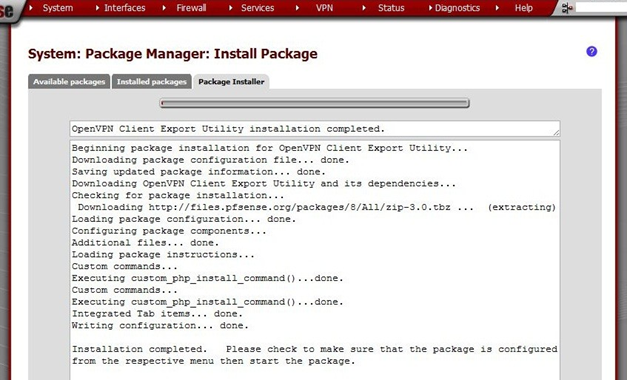
Confirm the selection and the package will be installed.
When it says Installation completed the installation is finished.
Archive imported from the AZTCOFW knowledge base on 2026-09-05. Historical source records may refer to older software versions. Confirm applicability before changing a production system.
Original source ↗