AZTCOFW / TECHNICAL GUIDE
install the OpenVPN package
Copy the downloaded Windows Installed to the client. It is named after the tunnel configuration, for example router- udp-1194-install.exe.
Run the installer with all defaults. When selecting components, make sure they are all checked (they are by default).
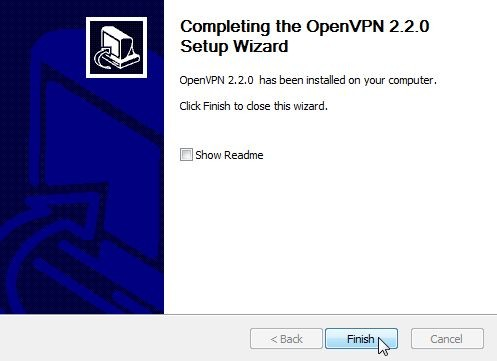
The OpenVPN Configuration Setup will continue to install the certificates.
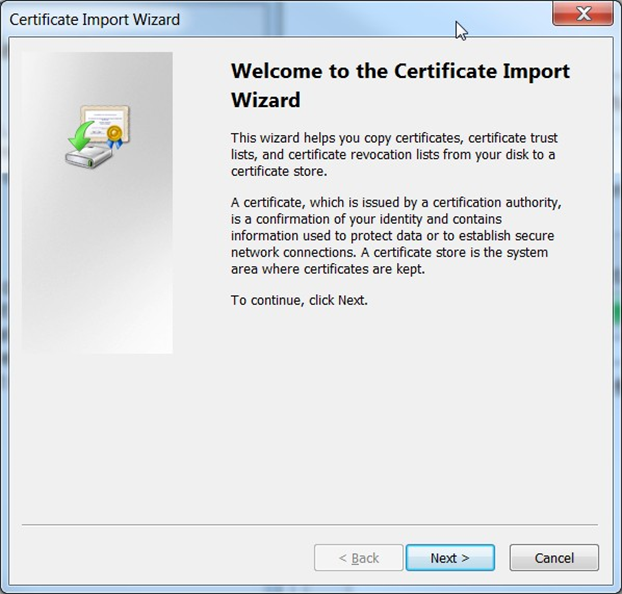
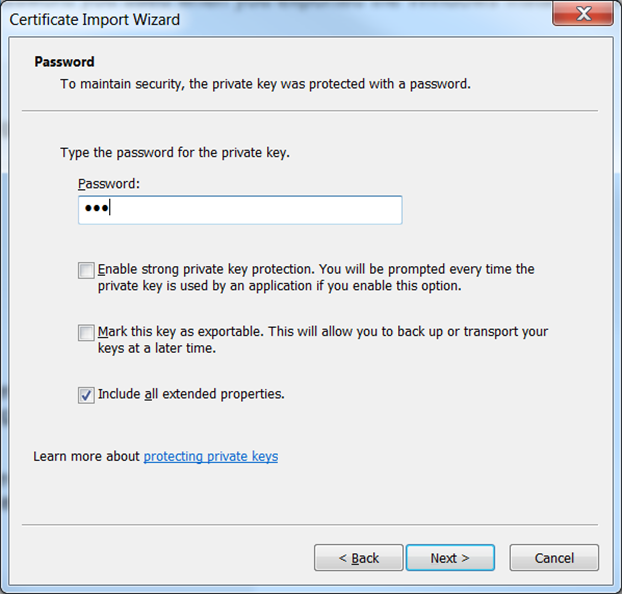
Stick to the defaults. When prompted for a password, enter the password used when exporting the Windows Installer from the Client Export tab.
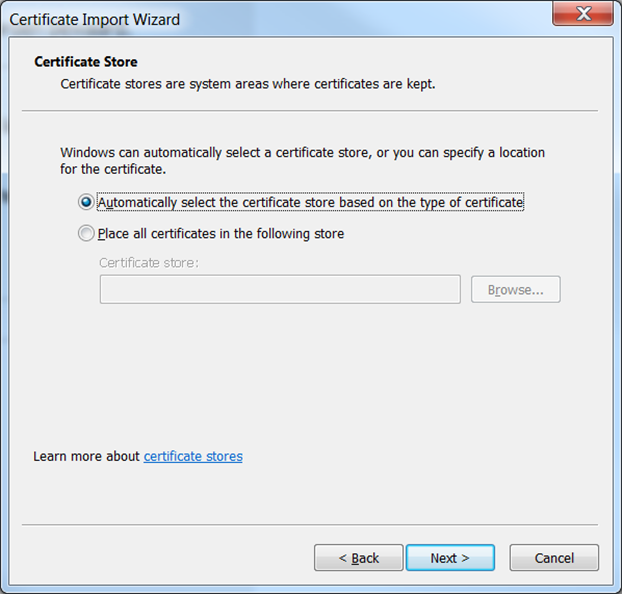
Have the wizard automatically select the archive.
Archive imported from the AZTCOFW knowledge base on 2026-09-05. Historical source records may refer to older software versions. Confirm applicability before changing a production system.
Original source ↗